credit-cardRepay

Repaying your borrowed assets on third-party protocols through WLFI Markets reduces your borrow position and improves your collateral ratio. This guide walks you through the complete process of repaying borrowed assets on WLFI Markets.

Overview

When you repay assets using the WLFI Markets interface:

  • Reduce your borrow position: Lower your outstanding borrowed amount

  • Improve collateral ratio: Increase your safety buffer against liquidation

  • Free up collateral: Unlock more of your supplied assets for withdrawal

  • Stop accruing borrow rates: Reduce the rates accumulating on your position

Prerequisites

Before repaying, ensure you have:

  • An active borrow position on WLFI Markets

  • Sufficient balance of the borrowed asset in your wallet to repay

  • ETH in your wallet to cover gas fees for the transaction

  • Your wallet connected to the Ethereum network

circle-info

To repay your borrow position, you need the borrowed asset in your wallet. For example, if you borrowed USD1, you need USD1 in your wallet to repay.

Step 1: Navigate to the dashboard

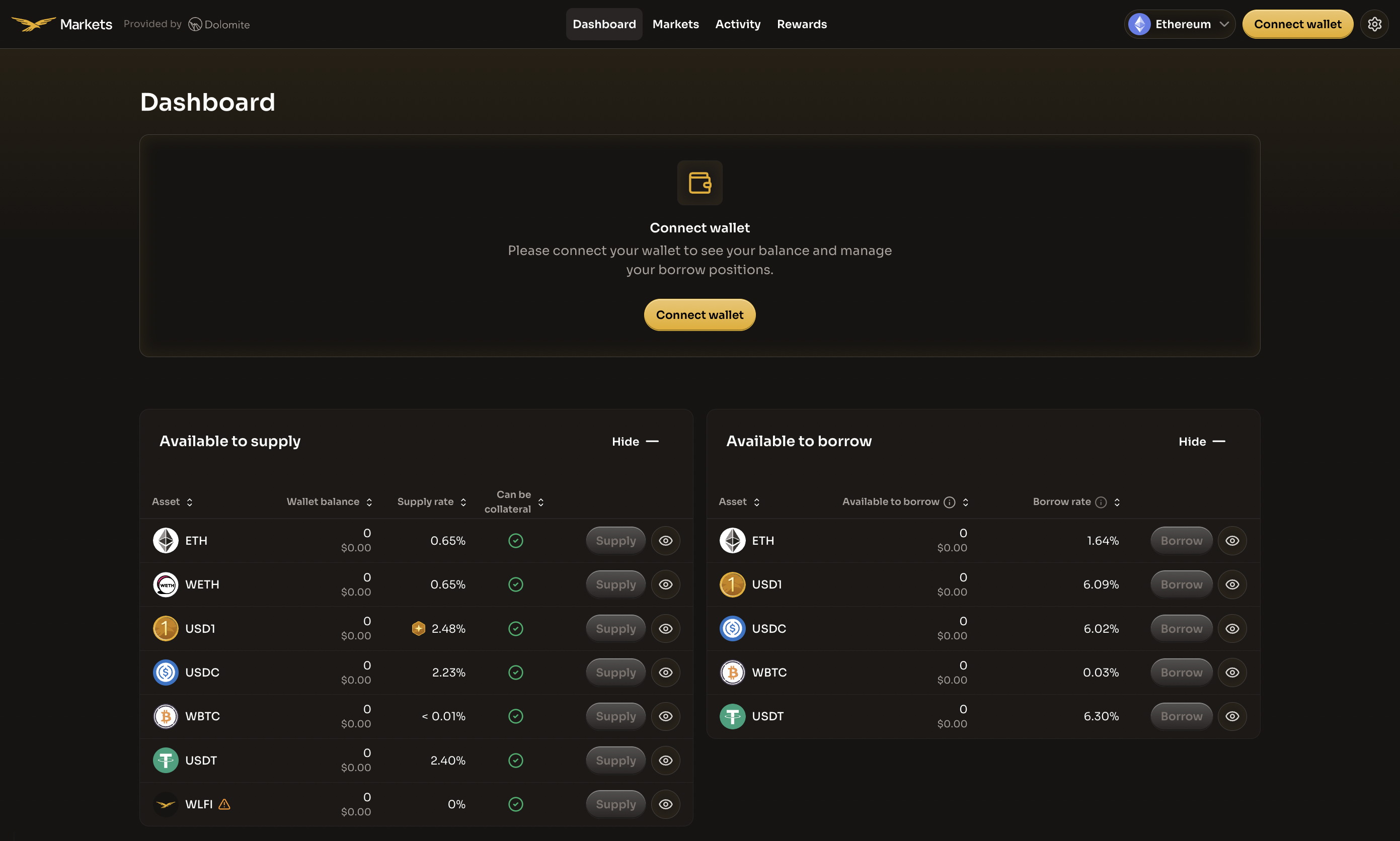
Visit the WLFI Markets applicationarrow-up-right and navigate to the Dashboard page. You can access it directly by clicking "Dashboard" in the top navigation bar.

WLFI Markets Dashboard showing available assets and Connect wallet prompt
The WLFI Markets Dashboard displays all available assets with their supply and borrow rates
Step 2: Connect your wallet

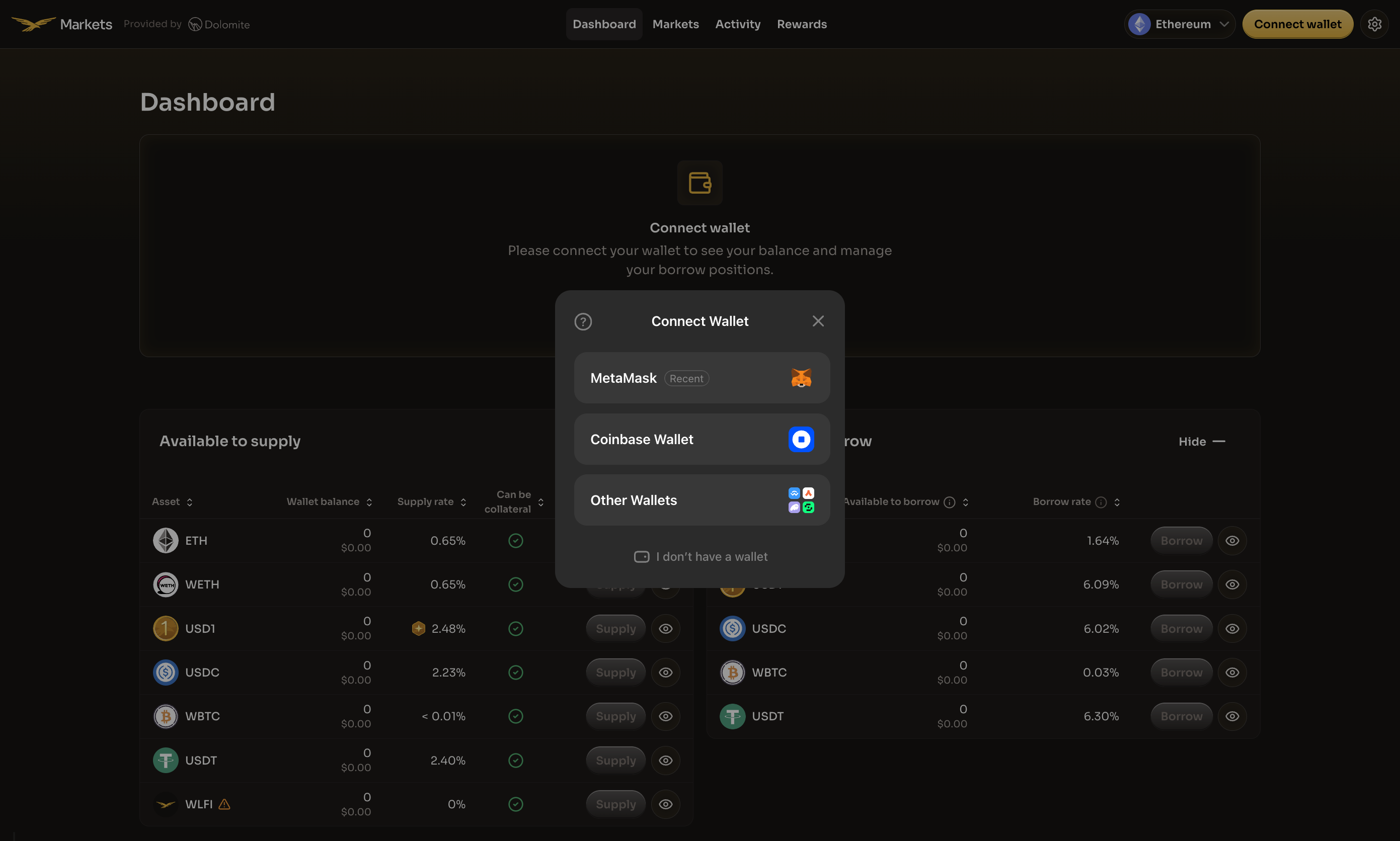
Click the Connect wallet button in the center of the page or in the top-right corner of the navigation bar. A modal will appear with a list of supported wallet providers.

Select your preferred wallet from the available options.

Wallet connection modal showing available wallet options
Choose your preferred wallet provider to connect to WLFI Markets
circle-exclamation

After selecting your wallet, complete the following connection steps:

1. Wallet connection request

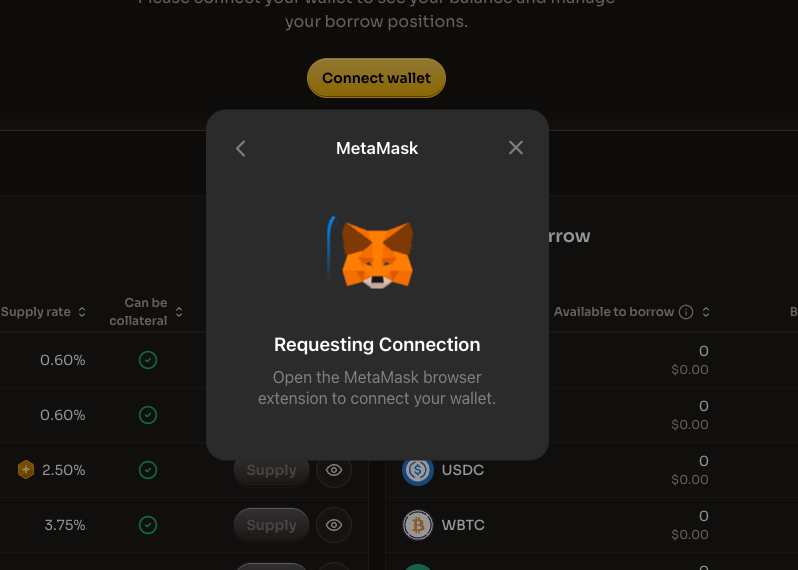
Your wallet will prompt you to connect. Open your wallet extension to approve the connection.

Wallet requesting connection approval
Open your wallet extension to approve the connection request
2. Sign in with Ethereum

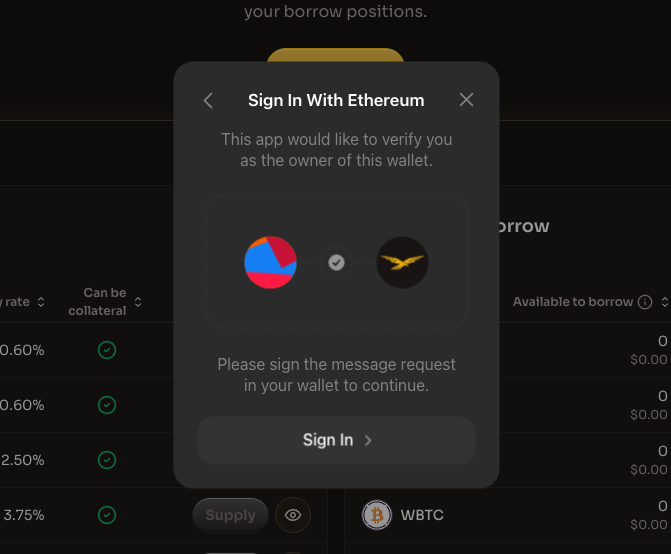
After connecting, you'll be asked to sign a message to verify wallet ownership. Click "Sign In" to proceed.

Sign In With Ethereum prompt
Sign the message to verify you own this wallet
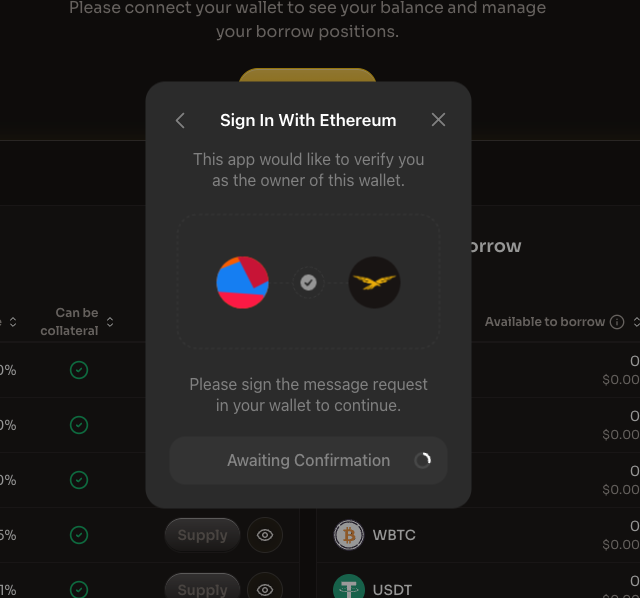
3. Awaiting confirmation

The application will wait for you to confirm the signature in your wallet.

Awaiting signature confirmation
Confirm the signature request in your wallet

Once connected, the dashboard will update to show your personal balances and positions.

Step 3: Locate your borrow position

Once your wallet is connected, the dashboard displays your current positions. Navigate to the "My borrows" section to view your active borrow positions.

This section shows:

Column
Description

Asset

The token name and icon of the borrowed asset

Debt

Your current borrow balance and USD value

Borrow rate

The rate you're paying on the borrowed amount

Actions

Borrow more or repay buttons

Additionally, you'll see summary information at the top:

  • Total debt - The total USD value of your borrowed assets

  • Borrow rate - The weighted average rate for all borrowed assets

  • Borrow power used - The percentage of your available borrowing capacity currently in use

Locate the asset you want to repay and click the Repay button next to it.

circle-exclamation

Step 4: Enter repay amount and review

After clicking Repay, a modal appears where you can specify your repayment details:

Enter the repay amount

  1. Enter the amount you want to repay in the input field

  2. The USD equivalent value is displayed below the amount

  3. Click "Set max" to repay your entire borrow balance of that asset

Review the transaction overview

Before confirming, carefully review the transaction details:

Field
Description

Remaining debt

The amount that will remain borrowed after repayment

Collateral ratio

How your collateral ratio will improve after repayment

Gas fee

The estimated transaction cost in ETH and USD

circle-info

E-Mode Notice: If E-Mode will activate or change as a result of your repayment, you'll see a notification indicating the new E-Mode category.

Token approval

For the asset you're repaying, you'll need to approve the token spending. Click the "Approve [Asset] to continue" button and confirm the approval transaction in your wallet.

Step 5: Complete the repayment

Once the token is approved, review the final transaction details and complete your repayment:

  1. Click the "Repay [Asset]" button (e.g., "Repay USD1")

  2. Confirm the transaction in your connected wallet

  3. Wait for the transaction to be processed on the Ethereum network

After the transaction is confirmed, you'll see a success message with the details of your repayment:

Once complete:

  • Your borrow position will be reduced by the repaid amount

  • Your "My borrows" section will update to reflect the new balance

  • Your Collateral ratio will improve

  • If you repaid the full amount, the asset will be removed from "My borrows"

circle-check

Partial vs full repayment

Partial repayment

You can repay any portion of your borrowed amount. This is useful when:

  • You want to improve your collateral ratio without fully closing your position

  • You only have partial funds available

  • You want to reduce rates accumulating on your position

Full repayment

To fully close a borrow position:

  1. Click "Set max" to repay the entire borrowed amount

  2. This ensures you repay all outstanding amounts including any accumulated rates

  3. After full repayment, the asset will be removed from your "My borrows" section

circle-info

Approval buffer for full repayment: When repaying the full debt, your borrow position continues to accrue while the transaction is being confirmed on the network. To ensure the full debt can be repaid, the approval transaction includes a small buffer (slightly higher than the current debt). This allows the repay transaction to cover any additional amount that accrues during confirmation. Only the exact debt amount is repaid, not the full approved amount.

Benefits of repaying

Benefit
Description

Improved collateral ratio

Reduces your risk of liquidation

Lower rates

Stop rates from accumulating on the repaid portion

Free up collateral

Allows you to withdraw more of your supplied assets

Reduced risk

Less exposure to market volatility affecting your position

What's next?

After repaying assets on WLFI Markets, you can:

  • Withdraw - Remove your freed-up collateral

  • Supply - Add more collateral to strengthen your position

  • Borrow - Take out a new loan with improved collateral ratio

  • Activity - Track your transactions and position history

Additional resources

Last updated